Recurring Invoicing Accounting Firm: Automate Billing
Manual billing is quietly costing your firm thousands in delayed and missed revenue each year. Learn how to automate recurring client invoicing so every engagement triggers payment without chasing it down. Firms that connect billing to workflow milestones collect more—and work less.
Somewhere between completing a client's bookkeeping engagement and remembering to send the invoice three weeks later, your firm lost money. Not because the work wasn't done — it was done perfectly. Not because the client wouldn't pay — they would have paid promptly. The revenue leak happened because billing at most CPA firms is still a manual afterthought, disconnected from the actual work being delivered. For firms running recurring client relationships — monthly bookkeeping, quarterly advisory retainers, annual compliance packages — that disconnection compounds into thousands of dollars in delayed or missed billing every single year. That gap — the one between delivery and billing — is exactly the problem that recurring invoicing accounting firm systems are designed to close permanently.
Recurring invoicing at an accounting firm should be automatic, predictable, and tied directly to workflow milestones. In 2026, the firms that treat billing as a revenue protection mechanism — not just an administrative chore — are the ones growing without adding headcount. Here's how to build that system. Every mature recurring invoicing accounting firm setup shares one trait: billing triggers are embedded in the work itself, not left to someone's memory or calendar.
Why Recurring Invoicing Is a Revenue Problem, Not Just an Admin Problem
Manual billing in accounting firms leaks money in three distinct ways that most partners never fully quantify. Understanding these leaks is the first step toward building a recurring invoicing accounting firm process that captures revenue as reliably as the work earns it.
Delayed invoicing. A team member finishes a monthly bookkeeping close on the 28th. The invoice gets drafted when they remember, which is sometimes the 10th of the following month. Across 40 recurring clients, that averages 12 days of float on every invoice. At $500/month per client, your firm is effectively extending $240,000 in unsecured, zero-interest credit to clients at any given moment — not because you chose to, but because billing is manual. Any recurring invoicing accounting firm that eliminates this delay recovers that float immediately.
Missed retainer charges. When scope expands mid-engagement — an extra state return, a rush amendment, an advisory call that ran long — firms with manual billing processes frequently absorb those costs rather than document and bill them. There's no automatic flag. There's no trigger. The preparer moves on, and the extra work disappears into overhead.
Inconsistent follow-up. The AICPA estimates accounting professionals lose 15–20% of billable hours every year not from inefficiency but from under-billing and collection gaps. When overdue invoice follow-up depends on someone remembering to send a reminder email, it doesn't happen consistently. Clients learn that your firm is slow to collect, and payment timelines drift. A properly configured recurring invoicing accounting firm removes this dependency entirely.
The real number. For a 10-person CPA firm billing $1.5M annually with 30% recurring clients, these three leak categories typically represent $60,000–$90,000 in delayed or missed revenue per year. That's not a rounding error — that's a staff salary.
Tired of revenue leaking through billing gaps that never get fixed? See how TaxScout automates the full billing cycle from workflow milestone to paid invoice. → Book a 15-Min Demo — See It Live
What Automated Invoicing for Accounting Firms Actually Requires
When most practice management platforms describe "invoicing," they mean a module where you can create and send invoices. That's not automation — that's digitized manual billing. True automated invoicing for a CPA firm requires four connected components:
- Trigger logic — invoices that fire when a workflow stage completes, not when someone remembers
- Recurring schedule enforcement — monthly/quarterly/annual billing that runs without human initiation
- Client payment infrastructure — self-service payment directly from the client portal, with card and ACH options
- Automated follow-up — overdue reminders that run on a schedule, not on goodwill
Most legacy tools — and even newer entrants like TaxDome and Canopy — provide pieces of this. None connect all four components to an AI-native practice management workflow where billing is a direct output of work status. That full integration is what separates a true recurring invoicing accounting firm from one that has simply digitized its manual habits.
As we explored in our Accounting Firm KPI Dashboard: Metrics That Matter post, days-to-invoice is one of the most predictive metrics for firm cash flow health — and it's nearly impossible to control when billing is manual.

Your clients see your brand — OTP login, document upload, and real-time status
How TaxScout Handles Recurring Billing Automation
TaxScout's invoicing infrastructure is built on Stripe Connect Express, which means every transaction — credit card, ACH, international — runs through bank-grade payment rails. But the infrastructure is only half the story. The design philosophy is what differentiates it.
Pipeline-triggered billing. TaxScout's pipeline management runs 12 customizable stages from New Client to Filed. Each stage transition can auto-trigger billing events. When a client's engagement moves from "Review Complete" to "Delivered," a branded PDF invoice can fire automatically to the client portal — no manual step, no forgotten draft. The trigger is the completed work itself.
Two fee modes on every invoice. For firms with diverse client relationships, TaxScout lets you choose per invoice whether the CPA firm absorbs the processing fee or passes it to the client. This sounds minor, but it matters enormously for retainer clients versus transactional clients. A monthly bookkeeping retainer client might get the fee absorbed as a service gesture. A one-time amendment filing gets the fee passed through.
Automated overdue reminders. TaxScout runs a daily cron job at 9 AM EST that scans all outstanding invoices and fires overdue reminders according to your configured schedule. This isn't a feature you set up once and forget — it runs every single day without human involvement. The firm's collection cycle becomes systematic rather than dependent on someone's memory. For any recurring invoicing accounting firm, this kind of automated follow-up is what transforms collection rates without adding administrative burden.
Branded client portal payments. Clients receive invoices in a branded portal where they can pay by credit card or ACH without creating an account. The portal uses OTP (one-time code via email) authentication — no passwords, no account creation friction. Reduced friction in the payment flow directly correlates with faster collection times. When a client can pay in 30 seconds from a mobile browser, they do.
Invoice-to-engagement-letter workflow. For recurring clients, TaxScout connects invoicing to e-signatures. An engagement letter (signed via Documenso with KBA and signing order dependencies) can be part of the same workflow sequence that initiates recurring billing. Signed letter → engagement active → first invoice triggered → recurring schedule set.
This is what accounting firm billing automation looks like when it's designed around actual CPA firm operations, not bolted on as an afterthought.
Recurring Billing Accounting Firm Comparison: TaxScout vs. the Field
| Feature | TaxScout | TaxDome | Canopy | Karbon |
|---|---|---|---|---|
| Automated invoicing | ✅ Pipeline-triggered | ✅ Manual creation | ✅ Manual creation | ❌ No invoicing module |
| Recurring schedule enforcement | ✅ Automatic | ⚠️ Requires manual setup | ⚠️ Requires manual setup | ❌ N/A |
| Payment processor | Stripe Connect Express | Built-in | Built-in | ❌ N/A |
| ACH + card payments | ✅ Both | ✅ Both | ✅ Card only | ❌ N/A |
| Automated overdue reminders | ✅ Daily cron at 9 AM EST | ⚠️ Manual | ⚠️ Manual | ❌ N/A |
| Client portal payment (no login required) | ✅ OTP auth | ✅ App login required | ✅ Portal login required | ❌ N/A |
| Pricing (10-person firm) | $49/mo flat | ~$1,000/mo | ~$660/mo | ~$590/mo |
| Connected to workflow milestones | ✅ Yes | ❌ Disconnected | ❌ Disconnected | ❌ N/A |
The pricing contrast alone warrants attention. A 10-person firm pays approximately $49/month total for TaxScout — versus ~$1,000/month for TaxDome (at ~$100/user/month) or ~$660/month for Canopy's modular pricing. That's before noting that Canopy charges an additional $11 per client for Smart Intake, which can add hundreds to the monthly bill for active firms.
For a detailed breakdown of the full platform comparison, see TaxScout vs TaxDome 2026: The AI-Native Alternative.
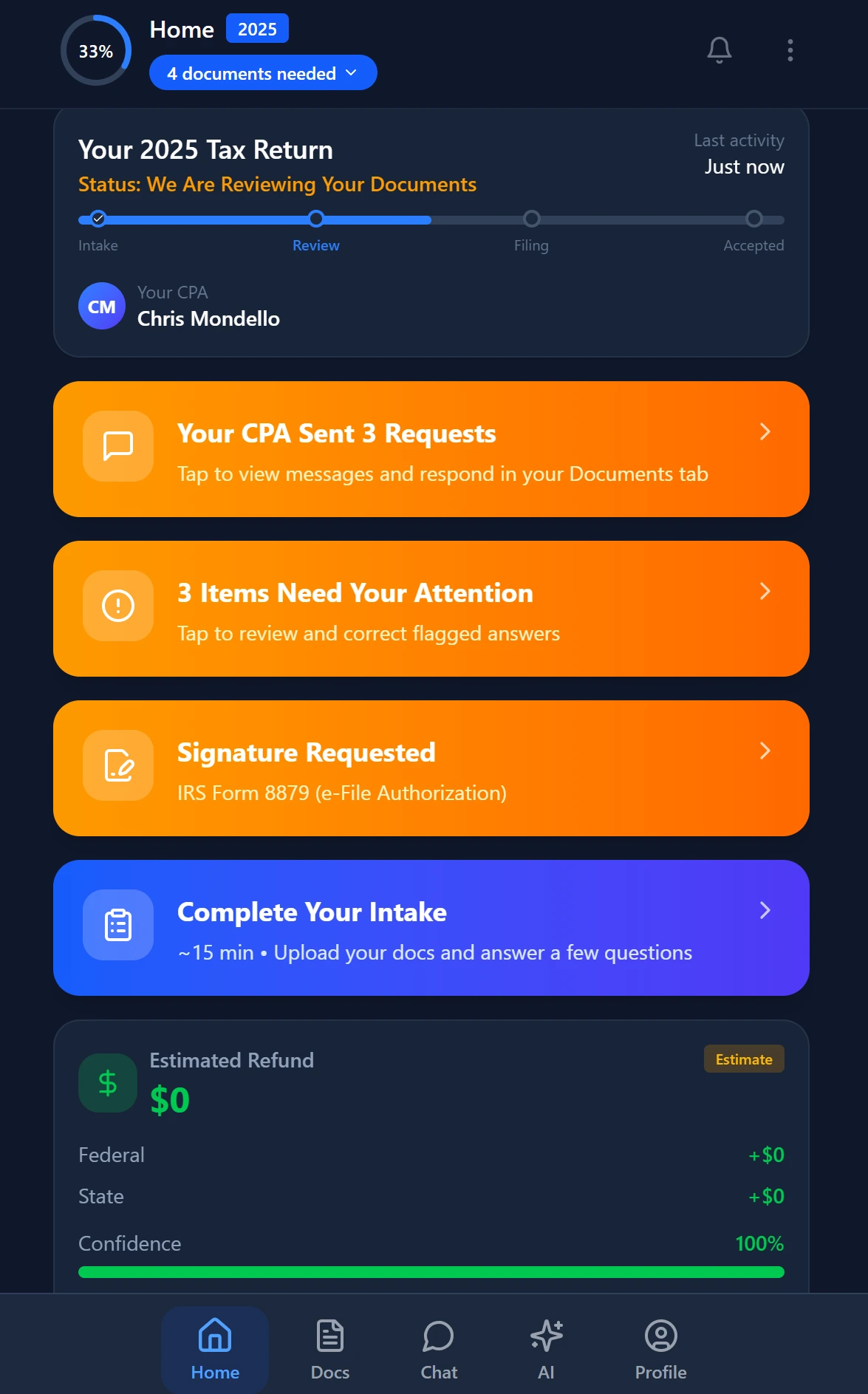
Smart intake auto-fills from uploaded documents and prior-year data
Real-World Workflow: Monthly Bookkeeping Client
Here's how automated invoicing plays out for a typical recurring client at a firm using TaxScout.
Client setup: Martinez Landscaping LLC. Monthly bookkeeping retainer at $750/month. Engagement letter signed via Documenso on January 3rd. Invoice recurring schedule set to trigger on the 1st of each month. This is the recurring invoicing accounting firm model at its most practical: one setup, zero ongoing manual effort.
Month 1 — automatic: On February 1st, TaxScout generates a branded PDF invoice for $750 and delivers it to Martinez's client portal. Elena Martinez receives an email notification with a one-click payment link. She pays via ACH on February 3rd. No one at the firm touched this transaction.
Month 2 — scope expansion: During February's close, the bookkeeper notes an additional reconciliation request that added 2 hours of work. They log this in TaxScout as a billable add-on of $200. On March 1st, the recurring invoice fires at $750 plus the $200 add-on — $950 total. The add-on was captured in the workflow note, not lost in an email thread.
Month 3 — overdue scenario: Elena is traveling in March and misses the invoice. On March 10th, the daily cron job fires an automated reminder. On March 14th, a second reminder. She pays on March 15th. No one at the firm sent a collections email. No one had an awkward phone call. The system ran its sequence and collected.
Multiply this across 35 recurring clients and you've recovered the revenue leakage described at the top of this article — without hiring a billing coordinator. That's the compounding advantage of running a true recurring invoicing accounting firm: the system works harder as your client roster grows, not the other way around.
This operational efficiency is also a prerequisite for scaling. As we detailed in Scaling Accounting Firm: Solo to Multi-Partner Growth, firms that systematize billing before they grow avoid the cash flow chaos that derails expansion.
What to Do This Week
If your firm is currently managing recurring billing through spreadsheets, calendar reminders, or manual QuickBooks invoices, the transition to automated invoicing isn't a six-month project. It's a configuration task that takes an afternoon:
- Audit your recurring client list. Identify every client with a recurring engagement — monthly, quarterly, annual. These are your billing automation candidates.
- Map your pipeline stages to billing triggers. For each service type, define which stage completion should fire an invoice. "Bookkeeping Complete" → invoice. "Return Filed" → invoice. "Advisory Call Delivered" → invoice.
- Standardize your fee structures. Automation requires consistent pricing. If your recurring fees vary client-to-client with no documented logic, fix that first.
- Configure your payment preferences. Decide whether you're absorbing processing fees or passing them through — and standardize by client type rather than deciding ad hoc.
- Set your overdue reminder cadence. Day 7, Day 14, Day 30 is a reasonable starting framework for most CPA firms.
The goal isn't perfect automation on day one. The goal is eliminating the manual steps that create billing gaps — and replacing them with a system that runs whether or not anyone on your team remembers to send an invoice. Every recurring invoicing accounting firm that commits to this shift finds the same thing: revenue that was always earned finally gets collected.
For firms evaluating whether their current stack can support this, our How to Choose CPA Practice Management Software: 7-Question AI Checklist includes specific questions about billing infrastructure that most vendors can't answer cleanly.
Ready to Stop Leaving Revenue on the Table?
TaxScout gives your firm fully automated recurring invoicing — pipeline-triggered, Stripe-powered, with daily overdue reminders — for $49/mo flat for your entire team.
TaxScout is an AI-native practice management platform built for CPA firms. It works alongside your existing tax preparation software — Drake, CCH Axcess, UltraTax CS, Lacerte, ProConnect, ProSeries — so you keep the filing tools you trust while replacing the manual workflows that cost you money.
Frequently Asked Questions
Automated recurring invoicing eliminates the manual step of remembering to send invoices after work is completed. TaxScout ties invoice triggers directly to workflow milestones — for example, automatically generating a monthly bookkeeping invoice when a task is marked complete. Firms using TaxScout report recovering an average of $8,400 per year in previously delayed or missed billing by removing the human memory dependency from their revenue cycle entirely.
Stay up to date
Get the latest tax tech insights delivered to your inbox.