A Complete PDF Workbench. Built In.
Every PDF tool your firm needs — OCR, merge, split, encrypt, watermark, redact, Bates numbering — plus professional binder generation with bookmarks and a table of contents. No Adobe subscription required.
The Problem: You Pay Per Seat for a PDF Editor
Your firm pays for Adobe Acrobat just to merge PDFs and add Bates numbers. Different team members use different tools. Some use free online converters that may not be secure. There's no consistency and no integration with your client data.
The Solution: 14+ PDF Tools Integrated with Client Data
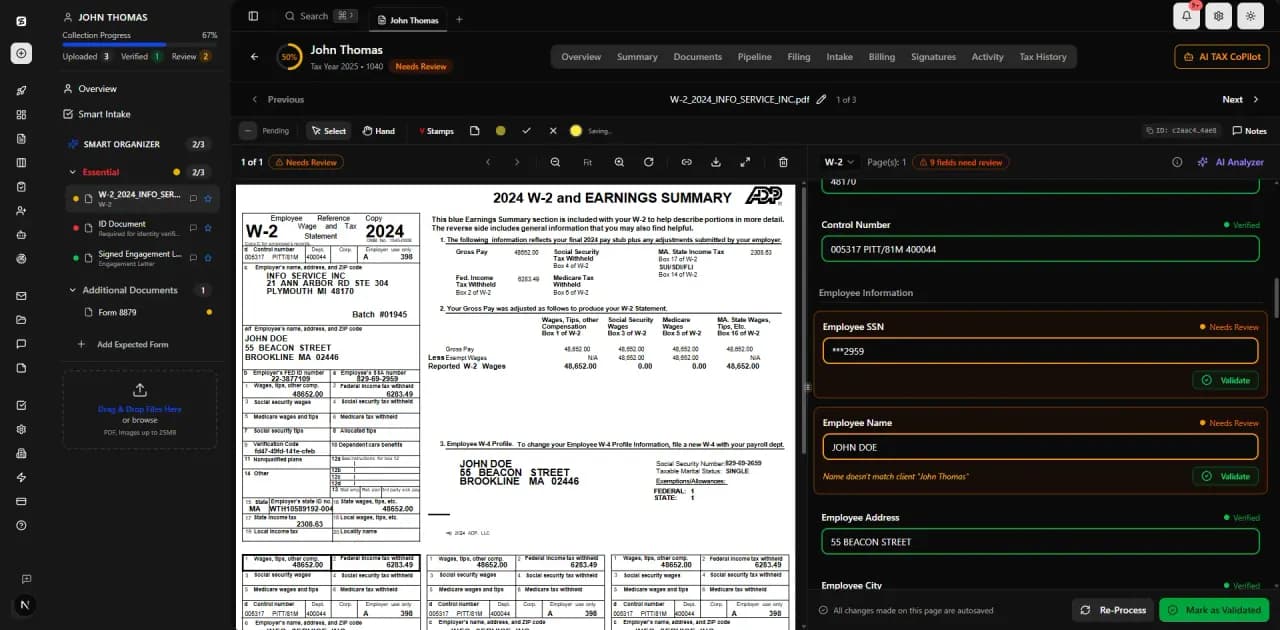
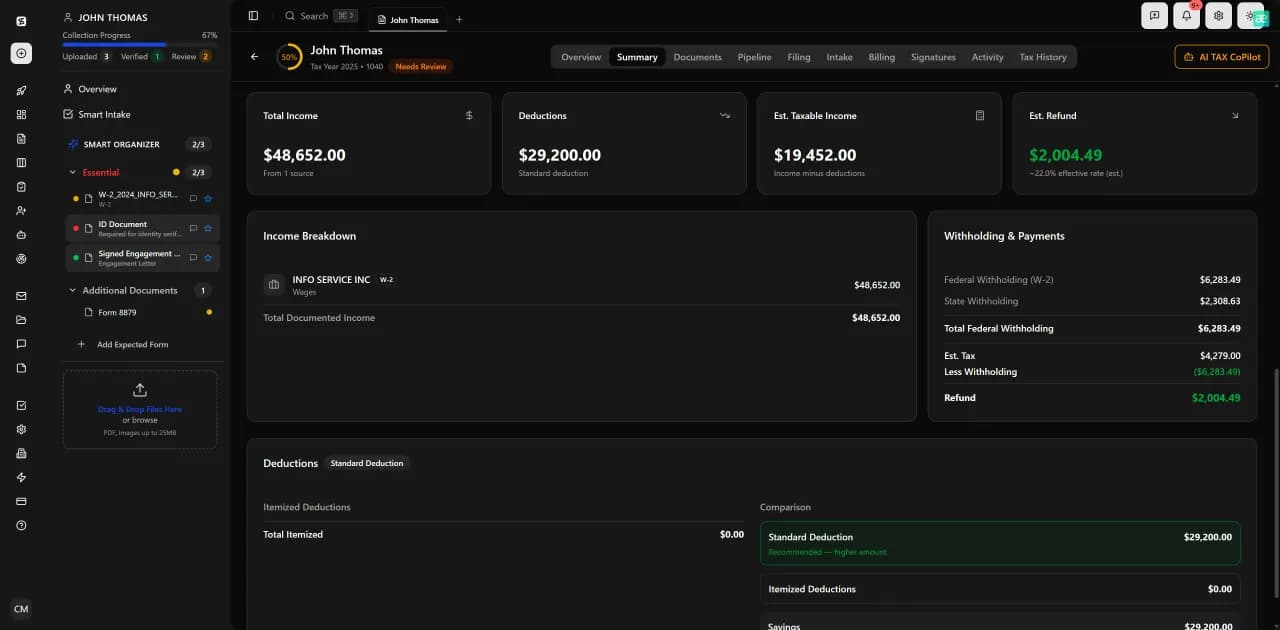
Every PDF tool you need is built into TaxScout and connected to your client records. OCR text from scanned documents, merge client binders with auto-generated TOC, detect and redact PII before sharing, and export to Excel workpapers — all without leaving the platform.
14+ Built-In PDF Tools
OCR Text Recognition
Search inside scanned documents, extract tables from images
Merge PDFs
Combine multiple documents into a single PDF with bookmarks
Split PDF
Extract specific pages or split by form type
Encrypt / Decrypt
Password-protect sensitive documents, remove protection when authorized
Watermark
Add 'DRAFT', 'CONFIDENTIAL', or custom watermarks to any document
Bates Numbering
Sequential numbering for legal and audit documentation
PII Detection
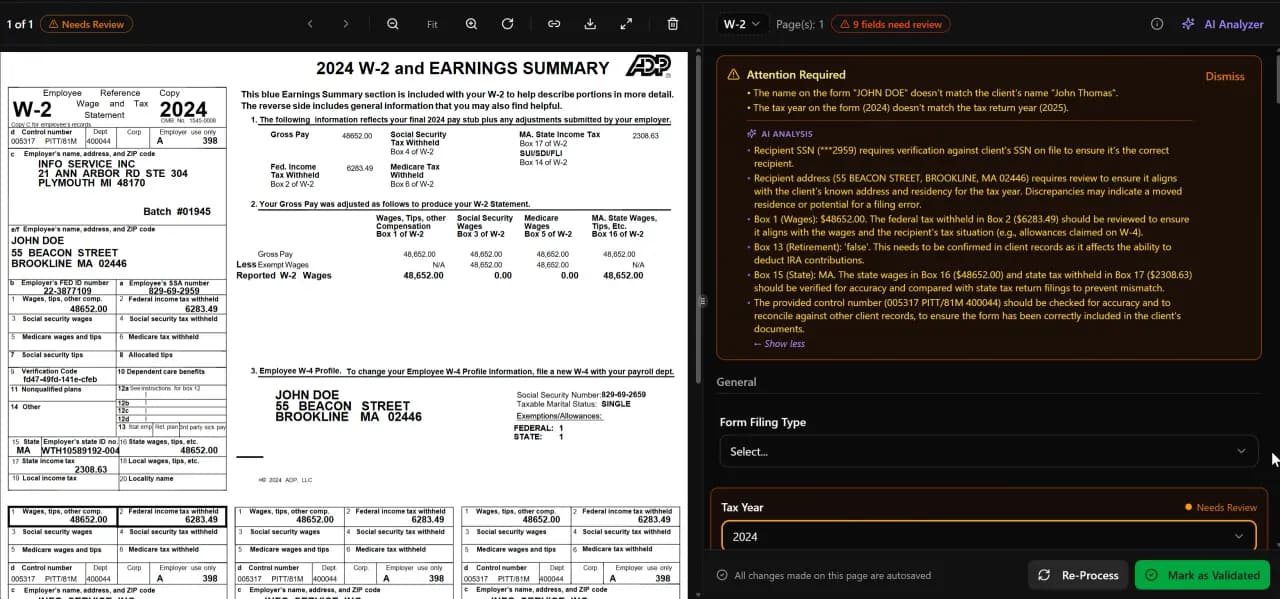
Automatically detect SSNs, EINs, and personal information
PII Redaction
Black-bar redaction of sensitive information for sharing
Document Comparison
Side-by-side diff of two document versions
Page Rotation
Rotate individual pages or entire documents
Page Extraction
Pull specific pages from multi-page documents
Binder Generation
Cover page, TOC, category dividers, bookmarks — ready to deliver
Excel Workpaper Export
Multi-sheet workbooks with SSN masking and data validation
Flatten Forms
Convert fillable forms to flat PDFs for archiving
How It Works
Select Documents
Choose documents from a client's folder or upload new ones.
Choose Tool
Pick from 14+ PDF operations — merge, split, OCR, encrypt, watermark, etc.
Configure Options
Set parameters (page ranges, watermark text, encryption password, Bates prefix).
Process
TaxScout processes the documents and saves results to the client's folder.
Review & Share
Preview results in the built-in viewer. Download or share directly from the client record.
vs. Competitors
TaxDome requires external tools for PDF manipulation. Canopy has no PDF tools. TaxScout includes 14+ PDF operations integrated with client records — eliminating the need for Adobe Acrobat, Nitro, or insecure online tools.
Frequently Asked Questions
14+ tools: OCR text recognition, merge, split, encrypt, decrypt, watermark, Bates numbering, PII detection and redaction, document comparison, page rotation/extraction, binder generation with table of contents, and Excel workpaper export.
See PDF Tools in Action
Book a 15-minute walkthrough and see how it fits your firm.