Invoice. Collect. Get Paid — Before Clients See Their Return.
Invoicing with a pipeline billing gate, promo code discounts, automated reminders, branded PDF invoices, and manual payment recording — all connected to your pipeline so returns auto-advance when paid.
The Problem: Invoicing Lives in a Separate Tool
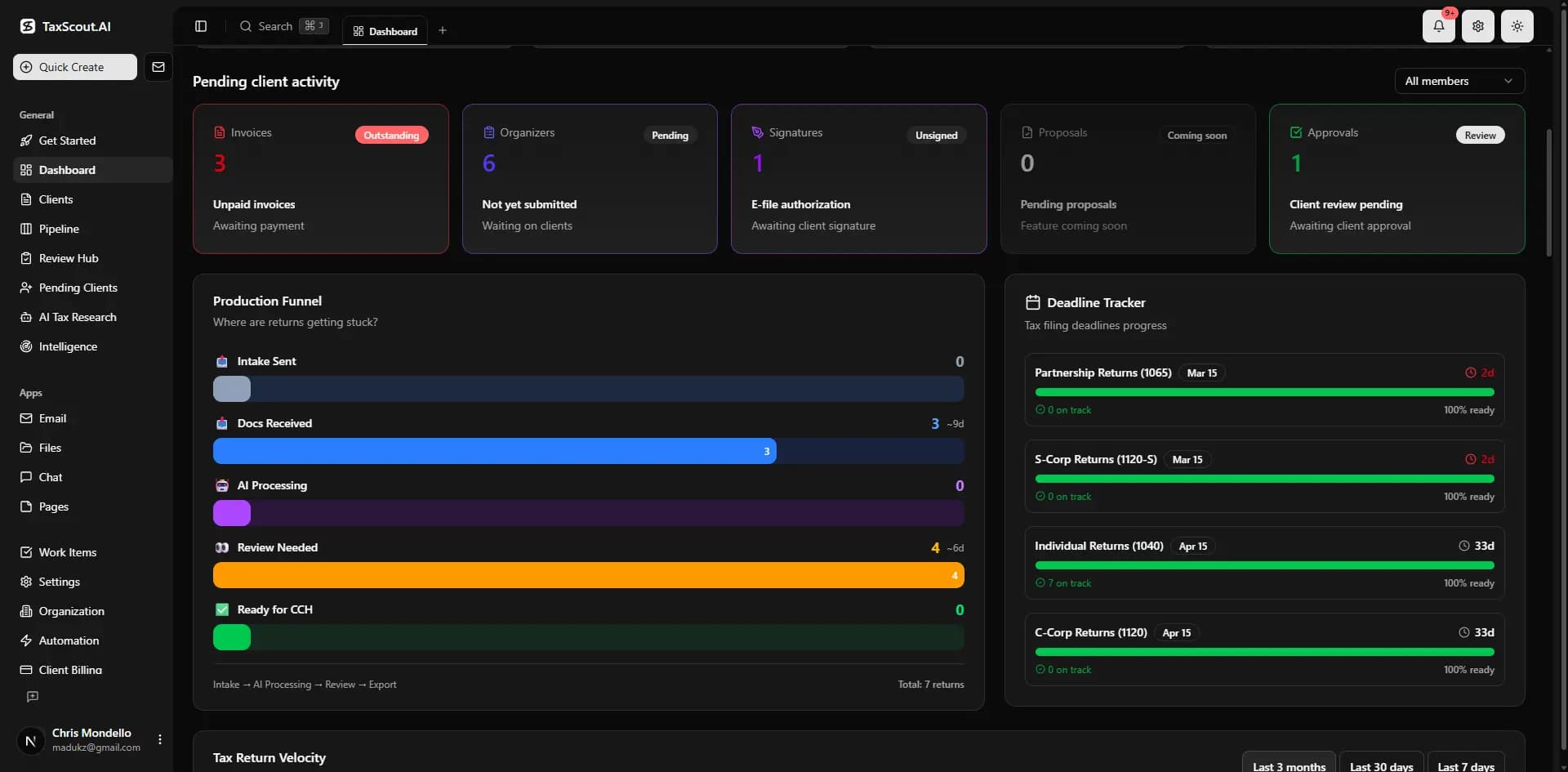
Most CPA firms invoice through a separate tool — the invoice has no connection to the return pipeline. CPAs manually track who paid, manually notify clients, and manually advance returns. Some clients see their draft return before paying — and then vanish. Revenue sits uncollected while you chase payments.
The Solution: Billing That's Wired Into Your Pipeline
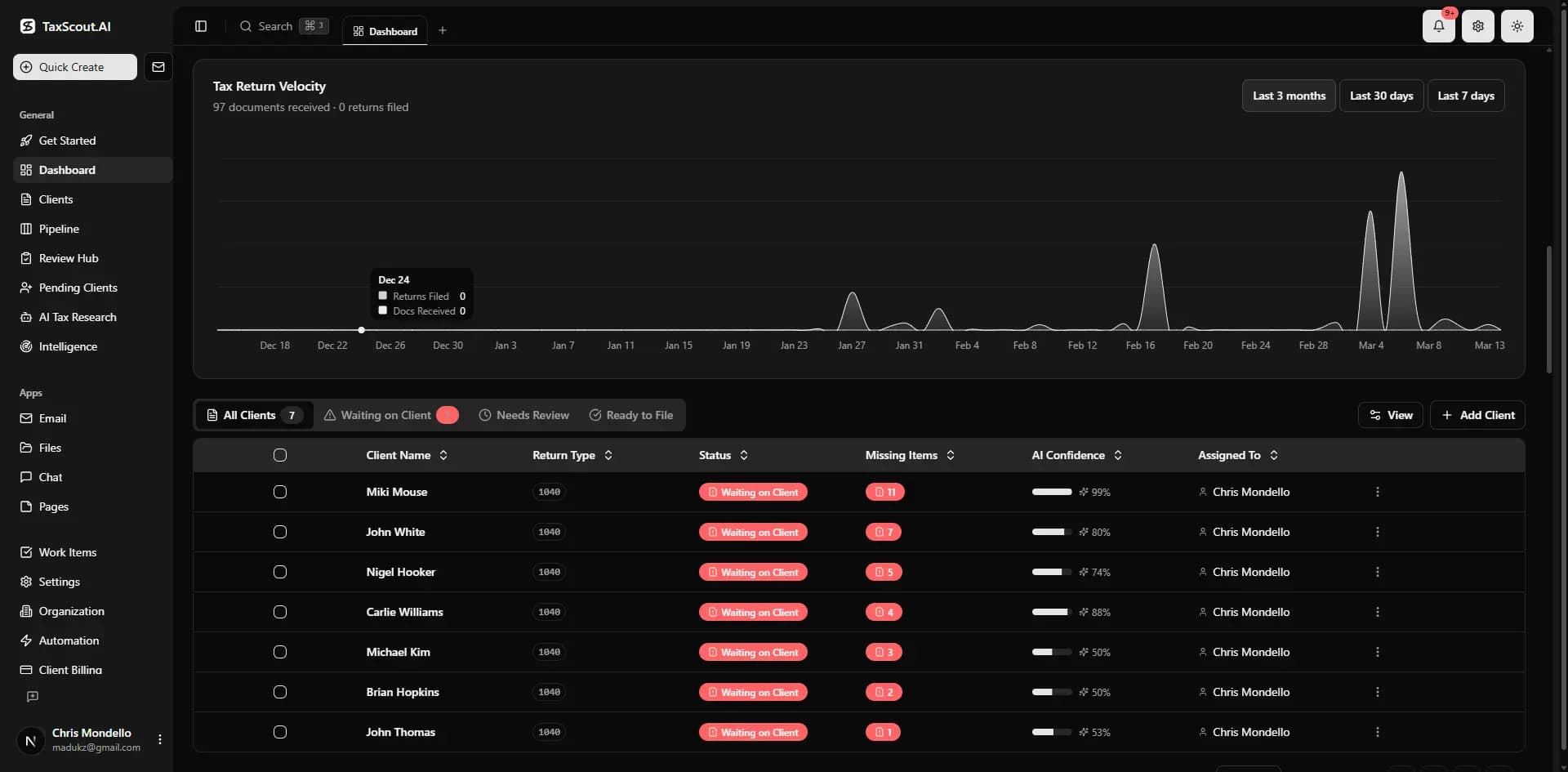
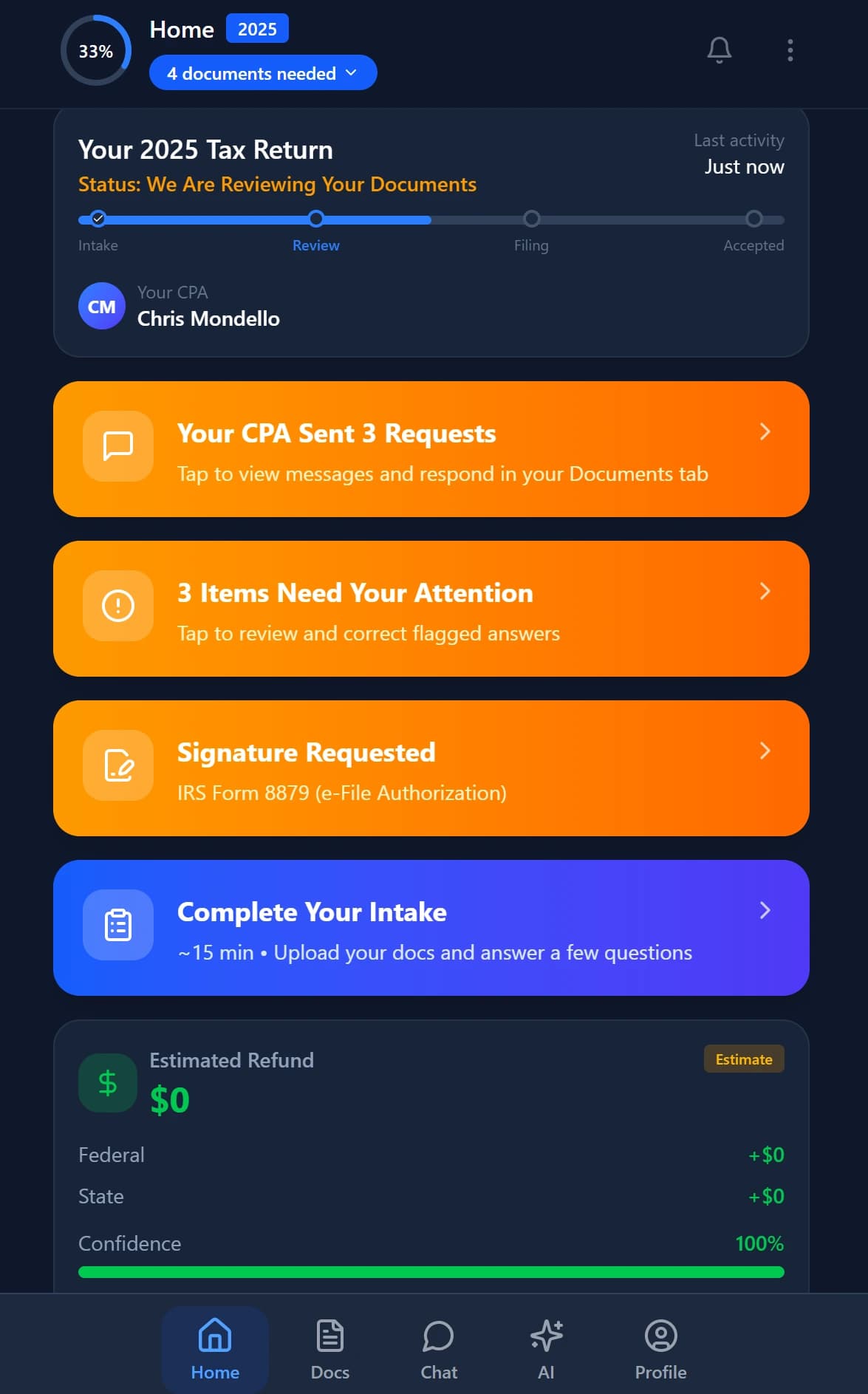
When a return enters the Billing stage, a draft invoice is auto-created from your template. The client sees a full-page payment screen in the portal — the return is hidden behind the gate. Once paid, the return auto-advances to Client Review and the client is notified. No manual tracking. No forgotten invoices. No unpaid clients seeing their returns.
The Billing Gate Experience
What your client sees when their return reaches the billing stage. The return is hidden until payment is confirmed.
Invoice Pending
Please settle your invoice to continue. Your tax return is ready and will be available once payment is confirmed.
Questions? Contact your CPA firm directly.
Invoice Lifecycle
How Our Billing Compares
| Feature | TaxScout | TaxDome | Canopy |
|---|---|---|---|
| Payments go to CPA's own account | |||
| Billing gate blocks return until paid | |||
| Auto-invoice on pipeline stage entry | |||
| Promo code discounts at checkout | |||
| Pipeline auto-advance on payment | |||
| Branded PDF invoices + receipts | Basic | ||
| Automated overdue reminders | Basic | Basic | |
| Manual payment recording | |||
| Recurring invoices | |||
| Invoice templates | Basic |
How It Works
Connect Your Payment Account
One-time setup. Link your payment account in settings. Client payments go directly to you — not through TaxScout. Your firm name appears on the statement.
Return Enters Billing Stage
When a return reaches the Billing stage in the pipeline, a draft invoice is auto-created from your first template with line items and fees pre-populated.
Client Sees the Billing Gate
The client's portal shows a full-page payment screen. Return content is hidden. They can enter a promo code for a discount before paying.
Payment Confirmed → Auto-Advance
Once paid, the return automatically advances to Client Review. Client receives an email that their return is ready. No manual intervention.
Automated Overdue Reminders
Daily automated reminders at 3 days before due, on due date, and 3/7/14/30 days overdue. Duplicate prevention ensures no client gets the same reminder twice.
vs. Competitors
Other platforms include basic invoicing; the tools we have reviewed do not gate return access on payment until paid. The billing gate ensures you get paid before clients see their completed return — a workflow no tool we have reviewed offers.
Frequently Asked Questions
The Billing stage in the 15-stage pipeline acts as a gate. When a return enters this stage, the client sees a payment screen instead of their return. The return content is hidden until the invoice is paid. Once payment is confirmed, the return auto-advances to Client Review.
See Billing & Invoicing in Action
Book a 15-minute walkthrough and see how it fits your firm.