Cybersecurity Accounting Firm: Essential Must-Haves
A single data breach can end client relationships, trigger federal enforcement, and expose partners to personal liability. Cybersecurity for accounting firms is now a compliance obligation actively enforced by the FTC — not just an IT concern. Discover the exact frameworks and safeguards every CPA…
A single data breach at a cybersecurity accounting firm professionals trusted can expose client SSNs, end client relationships, trigger federal enforcement, and result in personal liability for the partners who signed the engagement letter. Cybersecurity for accounting firms is no longer an IT department conversation. It's a compliance obligation backed by federal regulation, and in 2026, the FTC is actively enforcing it against small practices that assumed the rules applied only to banks.
If your firm holds tax data — and every CPA firm does — you are already subject to requirements most practitioners have never read. Understanding what a cybersecurity accounting firm is legally required to protect is the first step toward avoiding costly violations.
The Regulatory Reality: What the FTC and IRS Actually Require
The two frameworks that matter most for cybersecurity accounting firm compliance are the FTC Safeguards Rule (16 CFR Part 314) and the IRS Written Information Security Plan (WISP) requirement under IRS Publication 4557.
FTC Safeguards Rule — Now Fully Enforced
The updated Safeguards Rule took effect for non-banking financial institutions — including tax preparers and CPA firms — in June 2023. The 2024 and 2025 enforcement cycles confirmed the FTC is not treating this as a warning period. Firms subject to the rule must: For any cybersecurity accounting firm compliance review, the FTC Safeguards Rule is now the baseline — not a best practice.
- Designate a qualified individual to oversee the information security program
- Conduct a written risk assessment
- Implement multi-factor authentication (MFA) for any system accessing customer financial information
- Encrypt all customer data at rest and in transit
- Monitor and test security controls continuously
- Implement a written incident response plan
- Oversee service provider arrangements (your cloud vendors, your document software, your email host) Each of these requirements maps directly to the operational controls a cybersecurity accounting firm must document before an audit or enforcement review.
The phrase "qualified individual" does not require a CISO or an IT department. It requires someone accountable — typically a partner or senior manager in a small firm. But being accountable without documentation is exactly the exposure that triggers FTC enforcement.
IRS WISP Requirement — Publication 4557
Every paid tax preparer and CPA firm must maintain a Written Information Security Plan. IRS Publication 4557 provides the framework, and the IRS has a WISP template for small tax offices that leaves no excuse for non-compliance.
Your WISP must identify:
- All systems that store or process taxpayer data
- Employee roles and access controls
- Procedures for detecting, containing, and reporting a breach
- Physical security measures
- Vendor and third-party security requirements
A cybersecurity accounting firm that suffers a breach without a WISP faces compounding consequences: IRS sanctions, FTC enforcement, and the near-certain loss of clients once notification requirements kick in. Under most state data breach laws, you must notify affected clients — and that notification is often when client relationships end.
Worried your firm's security posture doesn't hold up to FTC or IRS scrutiny? See how TaxScout's security architecture — AES-256-GCM encryption, SSN vault, row-level database isolation, and 13-step compliance framework — is built to support your WISP requirements from day one. → Book a 15-Min Demo — See It Live
The Real Cost of a CPA Firm Data Breach
The average cost of a data breach for a small professional services firm runs between $150,000 and $500,000 when you account for breach response, legal fees, regulatory penalties, client notification, and credit monitoring obligations. But for a cybersecurity accounting firm, the harder cost is client attrition.
A 2023 PwC survey found that 85% of consumers say they will not do business with a company if they have concerns about its data practices. For a CPA firm where the median client relationship is 7–10 years, one breach event can destroy a decade of referral-driven growth overnight. This is why CPA firm data security is inseparable from client retention strategy — not just IT hygiene.
There is also malpractice liability exposure that most CPA professional liability policies are now specifically addressing. Cyber incidents that result from inadequate controls — failing to implement MFA, storing SSNs in unencrypted email, using shared passwords — are increasingly cited in coverage denials. Your E&O carrier may not pay if you cannot demonstrate documented security controls.
As we covered in our guide to paperless firm operations, the digital transformation of CPA practices creates real efficiency gains — but only when the security infrastructure matches the digital footprint. Going paperless without securing the digital environment trades one risk for a larger one.
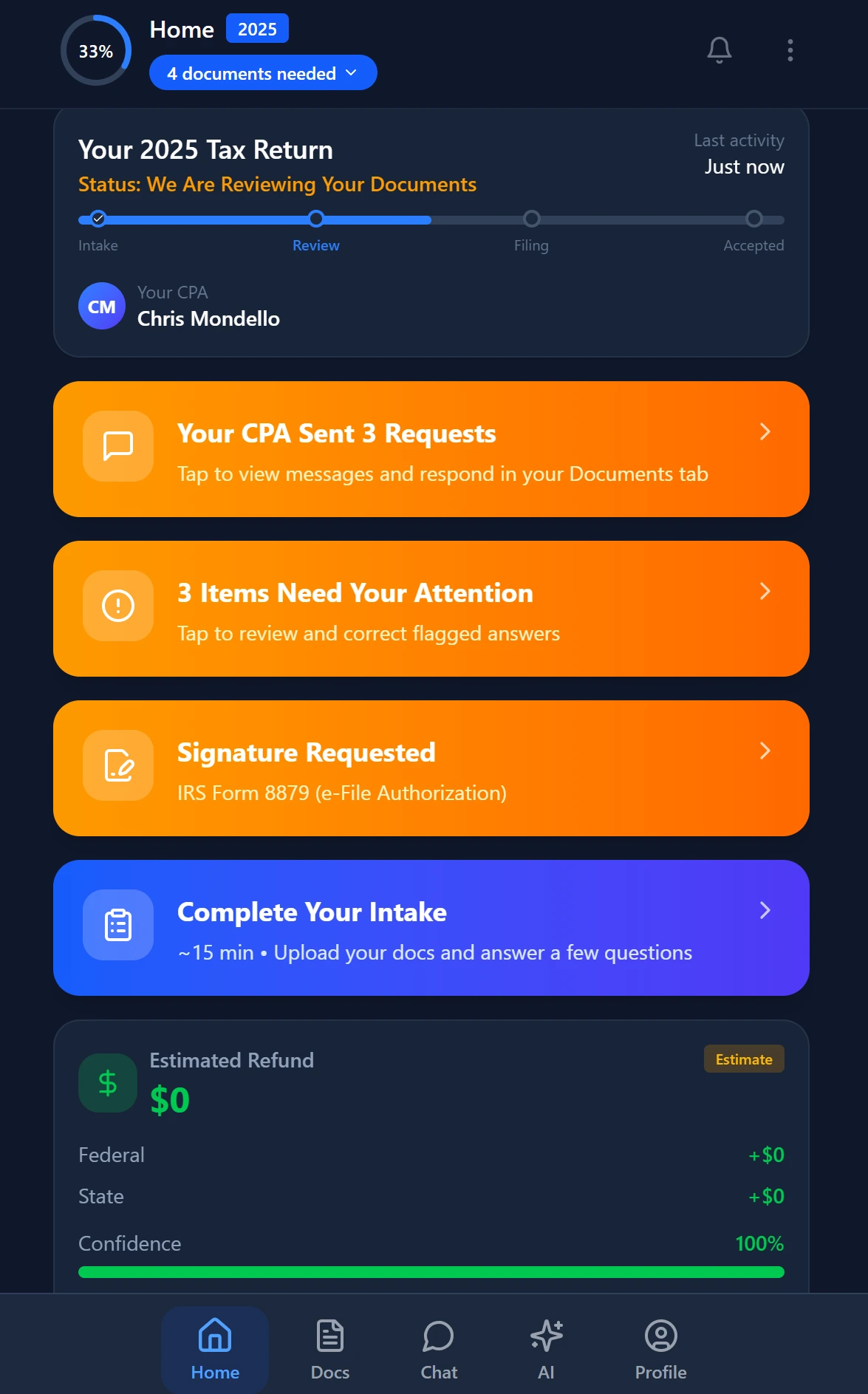
Smart intake auto-fills from uploaded documents and prior-year data
The Cybersecurity Implementation Checklist for CPA Firms
This is not a "best practices" overview. Each item below maps to a specific control required by the FTC Safeguards Rule, the IRS WISP framework, or both — with specific tool recommendations for accounting firm workflows.
1. Multi-Factor Authentication — No Exceptions
MFA is now a mandatory control under the FTC Safeguards Rule. Every cybersecurity accounting firm must ensure that every access point to systems containing client financial data requires MFA. This includes:
- Your practice management platform
- Your tax preparation software (Drake, Lacerte, UltraTax, ProConnect)
- Your email accounts (Gmail Workspace, Microsoft 365)
- Your document storage (SharePoint, Dropbox Business, Google Drive)
- Your remote access tools (VPN, RDP, Citrix)
Recommended tools: Microsoft Authenticator or Google Authenticator for TOTP-based MFA. For firms using Microsoft 365, Conditional Access policies can enforce MFA at the tenant level. For firms with remote staff, hardware FIDO2 keys (YubiKey) provide the strongest protection against phishing-based MFA bypass.
Zero-trust note: Adopting a zero-trust architecture means treating every access request as untrusted by default — even from inside your network. In practice for a small CPA firm, this means: never use shared credentials, enforce MFA universally, segment your network so tax prep workstations cannot freely communicate with other machines, and log all access to systems holding taxpayer data.
2. Encrypted Data Storage and Transmission
Every file containing taxpayer data must be encrypted at rest (AES-256 minimum) and in transit (TLS 1.2 or higher). This rules out:
- Emailing tax documents as unencrypted attachments
- Storing client files in unsecured personal Dropbox folders
- Using USB drives without encryption
TaxScout stores all extracted data with AES-256-GCM encryption, and the SSN vault uses a dedicated encryption key with rate-limited reveal and full audit logging. Every data transmission uses TLS. This is the kind of documented control that supports your WISP and satisfies Safeguards Rule requirements — which is why the platform you choose for practice management directly affects your compliance posture as a cybersecurity accounting firm. See the full architecture detail at TaxScout Security & Compliance.
For client document exchange, encrypted client portals with authenticated access (not email) are the correct approach. TaxScout's client portal uses one-time code authentication — clients access documents via OTP email link, with no password creation and no public-facing login page that can be brute-forced.
3. Access Controls and Role-Based Permissions
The FTC Safeguards Rule requires access controls that limit employee access to customer information to those with a legitimate business need. In a CPA firm, this translates directly to role-based access control (RBAC) — not everyone needs access to every client's SSN or prior-year return.
Implementation checklist:
- Assign the minimum necessary access to each staff role
- Disable access immediately upon employee departure (have a written offboarding procedure)
- Conduct quarterly access reviews — remove stale permissions
- Log all access to sensitive data, especially SSN reveals and financial documents
- Never use shared accounts or shared passwords
TaxScout implements this with 7 defined roles (Owner, Admin, Manager, Preparer, Staff, Viewer, Custom) and 50+ granular permission types, with PostgreSQL row-level security on all business tables for database-level isolation. The SSN vault logs every reveal with timestamp and user identity.
4. Vendor Security Assessment
The Safeguards Rule explicitly requires firms to oversee service providers. Every cybersecurity accounting firm must evaluate every software vendor it uses — practice management, tax prep, cloud storage, email, payment processing — for their security controls.
Questions to ask every vendor:
- Where is data hosted? (US-based vs. international matters for some state privacy laws)
- What encryption standards are in place?
- Do you have SOC 2 Type II certification or equivalent?
- What is your incident response procedure and how quickly will you notify us of a breach?
- Do you maintain GDPR/CCPA compliance processes for data subject requests?
Document these assessments. A written vendor security review is part of your WISP and the first thing an FTC examiner will request if you report a breach.
5. Staff Security Training — Annual Is Not Enough
Phishing remains the number one entry point for breaches in professional services firms. The Verizon 2024 Data Breach Investigations Report found that 68% of breaches involve a human element — phishing emails, stolen credentials, or social engineering.
Annual security training is the regulatory minimum, but it is not sufficient for firms that handle high volumes of sensitive documents during tax season. Implement:
Quarterly phishing simulations: Use tools like KnowBe4, Proofpoint Security Awareness Training, or Microsoft Attack Simulator (included in Microsoft 365 Defender plans) to send simulated phishing emails to staff. Track click rates and use results to target training.
Tax season briefings: Before each filing season, run a 30-minute security briefing covering current phishing tactics targeting CPAs (IRS impersonation emails, fake e-filing system alerts, fraudulent client document requests), password hygiene, and incident reporting procedures.
Documented training records: Maintain records of who completed training and when. This documentation supports your WISP and provides evidence of good-faith compliance effort if a breach occurs.
6. Incident Response Plan — Written and Tested
Your WISP must include a written incident response plan. Most CPA firms have neither. The plan must address:
- Detection: How will you know a breach occurred? (Security monitoring, staff reporting, vendor alerts)
- Containment: What systems do you isolate, and who has authority to take systems offline?
- Assessment: What data was accessed? Which clients are affected?
- Notification: State breach notification laws vary, but most require notification within 30–72 hours of determining that a breach occurred. As of 2026, 50 states have breach notification laws. Check your state's requirements — the NCSL State Security Breach Notification Laws page maintains an updated summary.
- IRS notification: Tax professionals must report data theft to the IRS via Form 14157-A and notify the IRS Stakeholder Liaison.
- Recovery: How do you restore operations and prevent recurrence?
Test your incident response plan annually with a tabletop exercise. This is a 2-hour facilitated discussion where your team walks through a simulated breach scenario. Document that you ran it.
7. Cyber Liability Insurance — Specific Coverage Required
Standard professional liability (E&O) policies for CPA firms frequently exclude cyber incidents or cap coverage at levels insufficient for breach response costs. Dedicated cyber liability insurance covers:
- Breach response costs (forensics, legal counsel, client notification)
- Credit monitoring for affected clients
- Regulatory defense costs (FTC and state AG investigations)
- Business interruption from ransomware
- Extortion payments (though this is increasingly controversial with insurers)
What to look for: First-party coverage (your costs) and third-party coverage (client claims against you). Policies typically range from $1,500–$8,000 per year for small CPA firms with $1M in revenue, depending on coverage limits and your documented security posture. A cybersecurity accounting firm with documented MFA, encryption, and WISP compliance consistently qualifies for lower premiums.
Ask your broker specifically about coverage for IRS e-filing PIN theft — a growing attack vector where attackers steal preparer credentials to file fraudulent returns.
How Your Practice Management Platform Affects Your Compliance Posture
The software your firm uses is not security-neutral. A practice management platform that stores client data without proper encryption, lacks MFA enforcement, or allows unrestricted access to SSNs across all users is a compliance liability — regardless of how good your internal policies are.
This is a specific gap in platforms like TaxDome, which lack features like an encrypted SSN vault, per-user data access logging, and database-level row isolation. When evaluating practice management software on security grounds, the TaxScout vs TaxDome comparison and the TaxScout vs Canopy comparison break down exactly where the security architecture diverges.
TaxScout's security architecture is built to support WISP compliance for any cybersecurity accounting firm, not just check a marketing box:
| Security Control | TaxScout | TaxDome | Canopy |
|---|---|---|---|
| AES-256-GCM encryption at rest | ✅ | Limited documentation | Limited documentation |
| Encrypted SSN vault with access logging | ✅ | ❌ | ❌ |
| Row-level database security (RLS) | ✅ | ❌ documented | ❌ documented |
| 7-role RBAC with 50+ permission types | ✅ | Basic roles | Basic roles |
| OTP client portal (no password brute force) | ✅ | Password-based | Password-based |
| GDPR/CCPA 13-step DSAR anonymization | ✅ | ❌ | ❌ |
| US-only data hosting (AWS + Azure) | ✅ | ✅ | Not confirmed |
| Audit log for all sensitive data access | ✅ | Partial | Partial |
Explore the full compliance architecture at TaxScout Security & Compliance.

Every client gets organized documents, status tracking, and a complete history
A Real-World Scenario: What a Breach Looks Like for a 5-Person Firm
A five-person CPA firm receives an email that appears to be from their document management vendor asking staff to re-authenticate due to a security update. One staff member clicks the link and enters credentials. The attacker now has access to the document storage system containing 800 client tax returns, including SSNs, income data, and bank account information.
Without MFA, the attacker enters without further challenge. Without access logging, the breach goes undetected for 11 days. Without a written incident response plan, the partners spend the first 48 hours debating what to do. Without dedicated cyber liability insurance, the $180,000 breach response cost comes out of operating capital.
With MFA enforced at every access point, the stolen credential is useless. This is not a hypothetical — it is a compressed version of breach cases documented in FTC enforcement actions against firms that failed to meet cybersecurity accounting firm standards.
For more on how your technology stack connects directly to operational and compliance risk, our CPA firm technology stack guide covers the full ecosystem.
Ready to Build a Security-Compliant Practice Foundation?
TaxScout gives your firm AES-256-GCM encryption, an SSN vault with full audit logging, row-level database security, 7-role RBAC, OTP client authentication, and US-only data hosting — all included at $49/mo flat for your entire team.
Your WISP compliance starts with the platform you build on. → Book a 15-Min Demo
Frequently Asked Questions
The FTC Safeguards Rule (16 CFR Part 314) requires every accounting firm that handles client financial data — regardless of firm size — to implement a written information security program, designate a qualified individual to oversee it, conduct risk assessments, deploy multi-factor authentication, encrypt data in transit and at rest, and monitor for unauthorized access. Small practices are not exempt. The FTC began actively enforcing these requirements against non-banking financial institutions including tax preparers after the updated rule took full effect. TaxScout.ai includes a compliance readiness dashboard that maps your firm's current security posture against each Safeguards Rule requirement and flags gaps with prioritized remediation steps.
Stay up to date
Get the latest tax tech insights delivered to your inbox.