PTIN Renewal and the Data Security Checkbox, Explained
Every year, tax preparers renew their PTIN by checking a box that confirms they understand their data security responsibilities. Few preparers have read exactly what that box covers — and fewer still have the written information security plan it implies. This guide explains the statement, the…
PTIN renewal data security refers to the acknowledgment on Form W-12 where a paid tax preparer affirms their data security responsibilities under the FTC Safeguards Rule and IRS guidelines. The statement implies that the preparer has a Written Information Security Plan (WISP), technical controls such as encryption and multi-factor authentication, employee training, and an incident response procedure. Checking the box without those elements in place constitutes a misrepresentation on a federal form.
PTIN renewal data security is not a bureaucratic afterthought buried on Form W-12. It is a legal commitment. When you check the data security acknowledgment during renewal, you are affirming that you understand your obligations under the Gramm-Leach-Bliley Act Safeguards Rule and the IRS's own requirements for tax professionals who handle personally identifiable financial data. Most preparers check the box in under a second. Many have never read the sentence behind it.
The IRS is explicit: a Written Information Security Plan (WISP) is not optional for tax professionals. IRS Publication 5708 provides the template structure, and the agency's Security Summit partners have made clear that every preparer — solo or multi-staff — is expected to maintain one. Yet the planning gap is real. According to the TaxScout directory, 69,074 US tax preparers are listed against the IRS federal preparer directory, and anecdotal evidence from the Security Summit suggests a large share of sole practitioners have never drafted a formal security plan.
This guide walks through what the Form W-12 acknowledgment actually says, what your practice needs to have in place before you check it, the specific elements IRS Publication 5708 says belong in a WISP, and what the consequences look like if a breach occurs and no plan can be produced. The PTIN renewal deadline for the 2027 filing season is December 31, 2026, so the right time to close this gap is now.
How to Prepare for the PTIN Renewal Data Security Acknowledgment
- Conduct a written risk assessment listing every location where client data is stored and every person who can access it.
- Draft or update your WISP using the structure in IRS Publication 5708, tailored to your actual systems and practice.
- Enable multi-factor authentication on your tax software, email, and cloud storage accounts.
- Encrypt client data in transit and at rest on all devices and storage systems.
- Train all staff with access to client data and document the training with names and dates.
- Review and update your vendor list in the WISP's service-provider section to include any new software.
- Sign and date the completed WISP, designate a security coordinator, and file it where it can be produced on request.
- Renew your PTIN before December 31, 2026 and check the data security acknowledgment on Form W-12.
What the PTIN Renewal Data Security Statement Actually Says
Form W-12, the IRS PTIN Application and Renewal, includes a certification section. Among the statements a preparer affirms is an acknowledgment that they are aware of their responsibility to have data security protections in place for client information, consistent with IRS guidelines and applicable federal law. The reference to 'applicable federal law' points primarily to the FTC Safeguards Rule under the Gramm-Leach-Bliley Act, which the FTC amended in 2023 to impose specific, prescriptive technical requirements on 'financial institutions' — a category that includes paid tax preparers.
The statement does not ask whether you have read a pamphlet. It implies that your practice has implemented data security protections. The IRS's companion guidance, found in IRS Publication 4557 (Safeguarding Taxpayer Data), lists the minimum expectations: a written security plan, employee training, access controls, encryption, incident response procedures, and vendor oversight. Checking the box without those elements in place is not a technicality — it is a misrepresentation on a federal form.
If you completed your last renewal without thinking twice about this, you are not alone. The Security Summit's annual awareness campaigns consistently report that small and solo practices are the most underprotected segment of the preparer population. That is precisely why the acknowledgment exists — and why regulators are paying closer attention to it after each wave of preparer-targeted phishing and ransomware incidents.
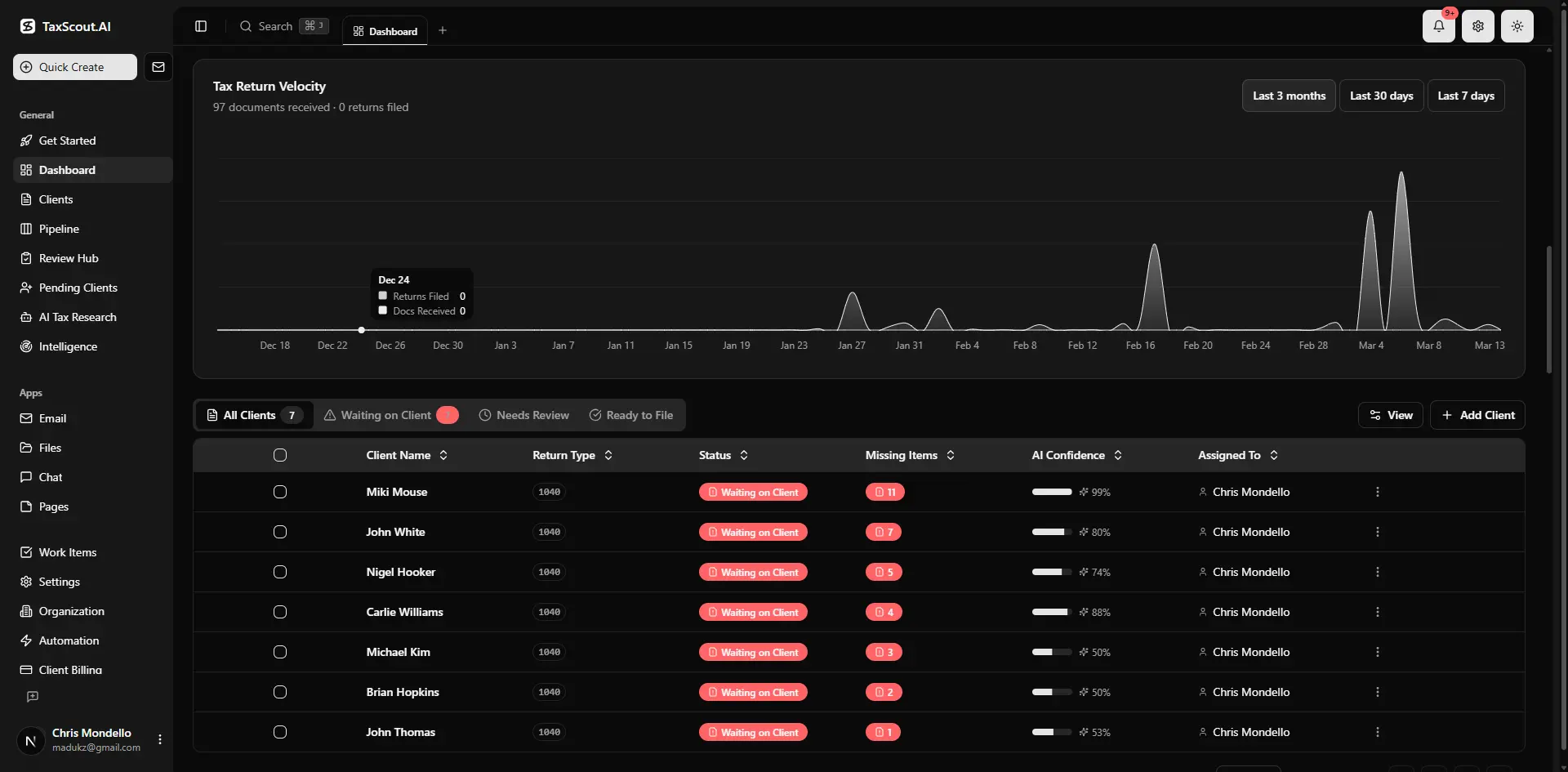
Real-time dashboard showing returns in progress, revenue, and upcoming deadlines
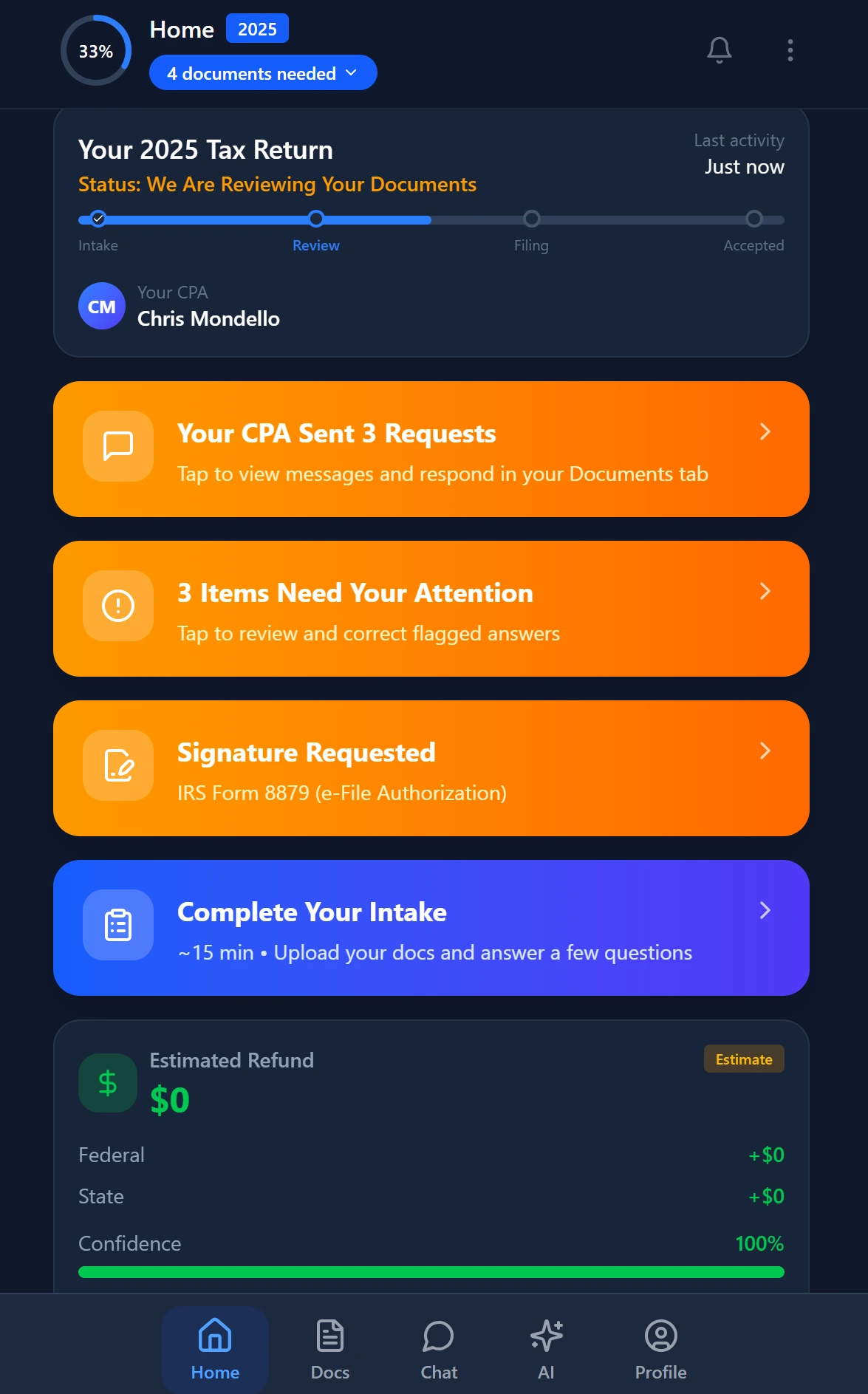
Smart intake auto-fills from uploaded documents and prior-year data
What Preparers Must Have in Place Before Checking the Box
The FTC Safeguards Rule and IRS guidance together define a floor. Before affirming your ptin renewal data security obligations, your practice should be able to document the following six elements:
A written information security plan. This is a physical or electronic document, signed and dated, that describes how your firm collects, stores, and protects client data. IRS Publication 5708 provides a structure designed specifically for tax professionals, covering risk assessment, safeguards implementation, and response procedures. The plan must be tailored to your practice — a boilerplate download that has never been reviewed against your actual systems is not compliant.
A designated coordinator. Even if you are a solo practitioner, the Safeguards Rule requires you to identify a person responsible for the security program. For a solo shop, that is you. For a multi-staff firm, you should name a specific employee and document that designation in the WISP.
An inventory of data and devices. You need to know where client data lives: local drives, cloud storage, tax software servers, email, portable devices. Each location is a potential exposure point. The NIST Cybersecurity Framework, which the IRS references, begins with 'Identify' for a reason.
Technical safeguards. Encryption for data in transit and at rest, multi-factor authentication on all accounts that touch client data, and a firewall or equivalent network protection are baseline requirements under the amended Safeguards Rule. If your tax software login does not use MFA, you are out of compliance regardless of what your WISP says.
Employee training. Anyone who touches client data — including seasonal staff or a part-time bookkeeper — must receive security awareness training. Document the training, the date, and the participants.
An incident response procedure. You need a written plan for what happens the morning you discover a breach: who you notify, in what order, using which contact information, and what steps you take to contain the exposure. The FTC's amended Safeguards Rule also added a requirement to notify the FTC within 30 days if a breach affects 500 or more customers. Many state laws have shorter notice windows for affected individuals.
Not sure whether your practice actually meets the Safeguards Rule requirements?
TaxScout's WISP tool asks about your practice and returns a personalized gap analysis plus a draft WISP in the structure of IRS Publication 5708 — in minutes.
What a WISP Must Cover Under IRS Publication 5708
IRS Publication 5708 is the agency's official guide to creating a WISP for tax professionals. It organizes the plan around four sections: program governance, risk assessment and safeguards, service provider oversight, and incident response. Each section must be customized — the publication explicitly warns against treating its sample language as a finished product.
The risk assessment section is where most small firms fall short. It requires you to systematically evaluate each category of client data you hold, the systems that store it, the people who can access it, and the realistic threats to each. For a solo preparer working from a home office, that means accounting for the security of your home Wi-Fi network, your personal devices that also access tax software, and your email provider's configuration — not just your firm's dedicated workstation.
Service provider oversight is a section many preparers skip entirely. If you use cloud storage, a client portal, e-signature software, or a tax preparation platform, your WISP must address how you vetted each vendor's security practices and what contractual protections are in place. The IRS expects preparers to know whether their vendors encrypt data, where data is stored, and what the vendor's breach notification obligations are. TaxScout's security infrastructure covers encryption in transit and at rest, role-based access, and MFA — the kind of documentation you can reference in your WISP's vendor section.
The incident response section must include specific contact information: the IRS's tax professional identity theft line (1-800-908-4490), the FTC at IdentityTheft.gov, your state tax agency, and affected clients. It should also document your data backup process and your recovery timeline. A plan that says 'we will respond appropriately' fails the specificity test.
Special Considerations for Multi-Staff Firms
If you have employees or contractors, your WISP obligations expand. You must document role-based access controls — meaning each staff member should only be able to see the client files their job requires. Shared login credentials are a Safeguards Rule violation, not just a bad practice. For firms using practice management software, pipeline management tools with granular permission settings make it straightforward to implement and document these access controls.
The TaxScout directory lists 32,228 CPAs and 11,109 enrolled agents among the 69,074 US preparers in its database. Multi-credential firms with staff face the same WISP requirements as solo preparers — the rule does not scale down for size. What does scale is the complexity of the risk assessment, which grows with every additional person who can access client data.
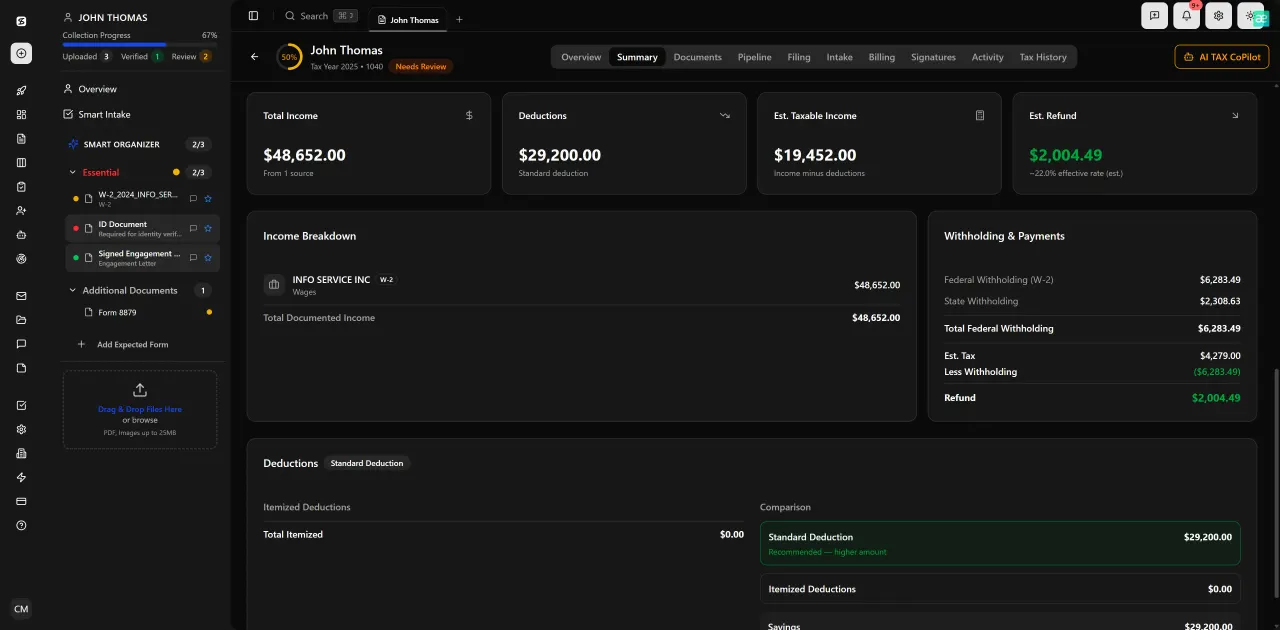
Review with AI assist — AI agents answer questions with full client context

Click any extracted field to see its source highlighted on the original PDF
PTIN Renewal Data Security Steps in Order
The PTIN renewal window for the 2027 filing season opens in October 2026 and closes December 31, 2026. Here is the sequence to follow so that when you check the data security acknowledgment on Form W-12, it is accurate:
- Conduct a risk assessment. List every location where client data exists, every device that accesses it, and every person who can reach it. Document the realistic threats to each. This does not need to be long — it needs to be honest and specific to your actual practice.
- Draft or update your WISP. Use IRS Publication 5708 as your structural guide. If you have never written one, a free WISP template built to the Publication 5708 structure can give you a practice-specific starting point in minutes rather than hours.
- Implement or verify your technical controls. Confirm MFA is active on your tax software, cloud storage, and email. Confirm encryption is enabled. Test your backup and confirm restore works.
- Train your staff. Even a 30-minute phishing awareness session, documented with a sign-in sheet and date, satisfies the training documentation requirement for a small firm.
- Sign and date the WISP. The document should reflect your firm's name, the date of adoption, and the name of the designated security coordinator.
- Renew your PTIN. Log in to IRS Tax Pro Account or use the PTIN system at www.irs.gov/ptin, complete Form W-12, and check the data security acknowledgment knowing that your documentation is in order.
For a fuller walkthrough of the renewal process itself — including CE requirements and fee amounts — see the IRS reminder on PTIN renewal before 2027. For background on what a PTIN is and how it connects to your credentials, see the Preparer Tax Identification Number guide.
What Happens After a Breach With No Written Plan
A data breach at a tax firm without a WISP creates liability on multiple fronts simultaneously. Understanding those tracks is important for anyone who thinks the risk is theoretical.
FTC enforcement. The FTC's Safeguards Rule gives the agency authority to pursue civil penalties against financial institutions — including tax preparers — that fail to implement required security programs. After the 2023 amendments, the requirements became more prescriptive, which makes the enforcement case cleaner. The absence of a written plan is not a mitigating factor; it is direct evidence of non-compliance.
IRS disciplinary action. The IRS Office of Professional Responsibility (OPR) governs enrolled agents and credentialed preparers under Circular 230. A preparer who checked the data security box on Form W-12 without a WISP in place, and whose clients subsequently suffered harm from a breach, faces a potential Circular 230 violation for making a false representation on a federal filing. Sanctions range from a formal reprimand to suspension or disbarment from practice before the IRS.
State-level exposure. Most states have breach notification laws with timelines that can be as short as 30 to 72 hours after discovery. Several states, including California under the CCPA and New York under the SHIELD Act, impose independent security program requirements on businesses that hold residents' personal information. A breach that exposes clients in multiple states triggers a cascade of notification obligations, each with its own form and deadline.
Client liability. A client whose identity is stolen using data obtained from your firm can bring a civil negligence claim. The absence of a WISP — combined with a data security certification on Form W-12 — is exactly the kind of document trail a plaintiff's attorney wants to find. See our broader review of CPA firm cybersecurity best practices for the full liability landscape.
The pattern in enforcement actions and civil suits is consistent: firms that had a WISP, trained their staff, and implemented basic technical controls are treated very differently from firms that had none of those things. The plan does not have to be perfect. It has to exist, be tailored to your practice, and be followed.
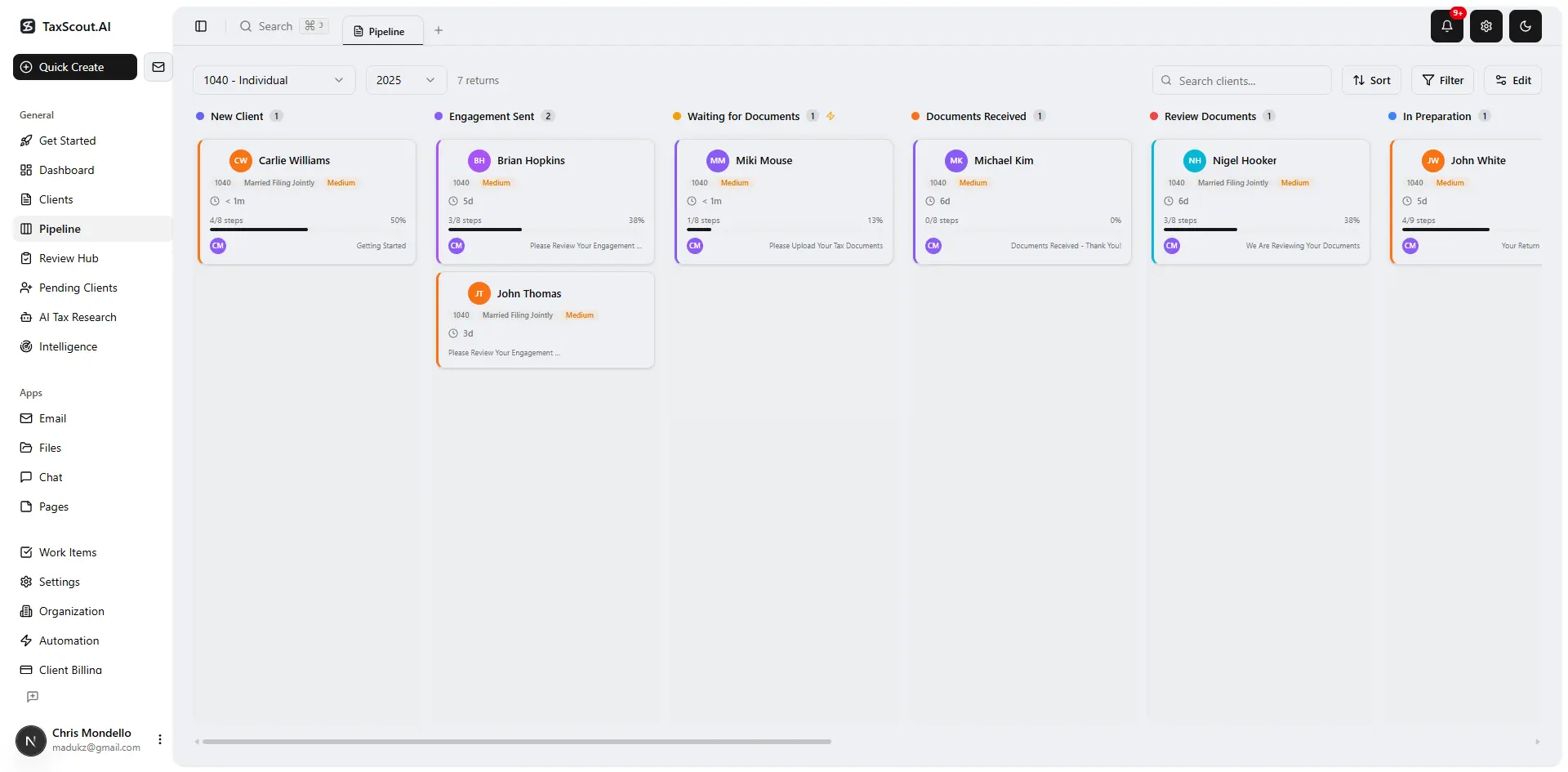
Track every return from intake to filed with drag-and-drop pipeline management

Your clients see your brand — OTP login, document upload, and real-time status
Keeping Your WISP Current After Renewal
A WISP is not a one-time document. IRS Publication 5708 and the Safeguards Rule both require that you review and update the plan whenever there is a material change to your practice: new software, new staff, a new office location, or a new service line. The annual PTIN renewal is a natural review trigger — build the WISP review into your pre-renewal checklist every October.
Common gaps that surface on annual review: a vendor that was never added to the service provider section after onboarding, a former employee whose access was never revoked, a new portable device that was not encrypted, or a change in cloud storage provider. Each of these is a risk assessment update and a plan amendment.
For firms that have added AI-based document processing or a client portal since their last review, the vendor oversight section needs to reflect those tools. AI document extraction and client portal platforms each represent a data flow that the WISP must address. Documenting what data each vendor receives, how it is encrypted, and what breach notification commitments the vendor has made is not bureaucratic — it is what the Safeguards Rule requires.
If your team handles both tax preparation and advisory services, consider reviewing other guide resources in our library covering client onboarding, engagement letters, and practice operations — several of which have security implications that connect back to your WISP.
Ready to check the data security box on your PTIN renewal and actually mean it?
TaxScout gives every tax preparer the tools to manage documents, clients, and compliance — with security infrastructure built for firms that take the Safeguards Rule seriously.
Sources
- IRS Publication 5708: Creating a Written Information Security Plan
- IRS Publication 4557: Safeguarding Taxpayer Data
- FTC Safeguards Rule: What Your Business Needs to Know
- 16 CFR Part 314 — Standards for Safeguarding Customer Information
- IRS Circular 230: Regulations Governing Practice Before the IRS
- IRS Security Summit Resources for Tax Professionals
Ready to see the difference? TaxScout gives your firm AI extraction, 5-layer validation, and complete practice management — on flat firm pricing with unlimited team members. → Book a 15-Min Demo — See It Live
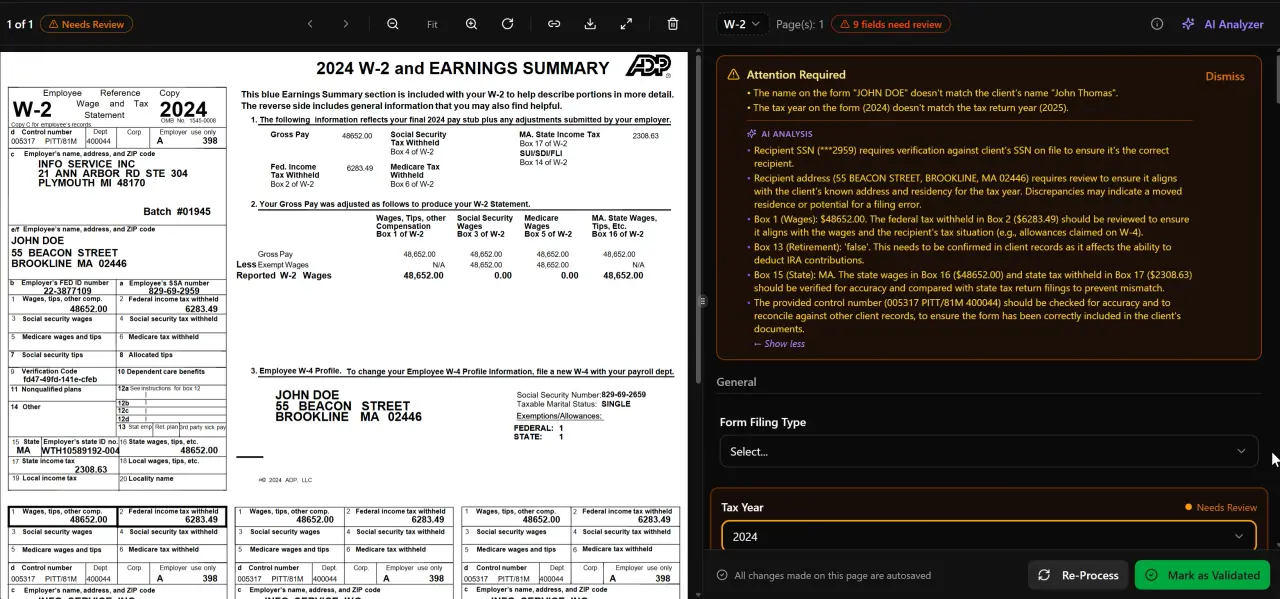
AI classifies, extracts, and validates every document automatically
Frequently Asked Questions
Yes. The FTC Safeguards Rule under the Gramm-Leach-Bliley Act applies to any business that provides tax preparation services for a fee, regardless of size. A solo practitioner is a 'financial institution' under the rule and must maintain a written information security plan. IRS Publication 5708 provides a template structure sized for small and solo practices.
Stay up to date
Get the latest tax tech insights delivered to your inbox.