AI-Native vs. AI-Bolted Software for CPA Firms
Not all AI in tax software is built the same — and the difference between AI-native and AI-bolted platforms can mean the gap between a caught error and a missed one. Legacy systems with AI layered on top introduce hallucination risks that go far deeper than feature checklists. This guide breaks…
When evaluating AI-native vs. AI-bolted software, consider this: your tax software just flagged a foreign tax credit carryover — except the number it flagged was hallucinated. The AI layer bolted onto your legacy practice management platform extracted a figure from a 1099-INT that didn't exist on the original document. You caught it this time. But how many times did you not?
This is the defining risk of AI-native vs. AI-bolted software for CPA firms — and it goes far deeper than feature lists or pricing pages.
What AI-Native vs. AI-Bolted Actually Means for CPA Firms
The distinction sounds technical, but the practical consequences are entirely operational. An AI-bolted platform is a legacy system — built on a workflow engine designed in 2015 — with AI features layered on top as plugins or modules. The document extraction tool calls an external API. The "AI assistant" queries a generic LLM with no awareness of your client's entity structure. The validation logic lives in a separate module that doesn't communicate with the pipeline. Data moves between these layers through integrations that break, sync delays that create gaps, and confidence scores that no one ever sees. Understanding AI-native vs. AI-bolted software is the first step in recognizing why that architecture gap has real consequences for how errors propagate through a firm's workflow.
An AI-native platform is built from the first line of code around the assumption that documents will be unstructured, tax law will change, and every extracted field needs to be verified against the source — not just stored. The AI isn't a plugin. It's the foundation. This is the core of the AI-native vs. AI-bolted software debate: one treats AI as a retrofit, while the other treats it as the reason the system exists at all.
As Accounting Today's analysis of AI-native vs. AI-bolted software notes, legacy platforms retrofitted with AI features process data fundamentally differently than platforms built with AI at their core — and those architectural differences compound with every additional workflow the firm runs through the system.
For a CPA firm preparing 300 returns a season, that compounding effect determines whether AI reduces risk or introduces it. The choice between AI-native vs. AI-bolted software isn't abstract at that scale — it shows up in error rates, review time, and the firm's exposure to liability each filing season.
The Hidden Architecture of Trust in Tax Document Processing
Every AI document extraction system claims accuracy. What separates AI-native from AI-bolted is what happens when the AI is wrong — and how the system catches it before you file. For firms evaluating their AI-native vs. AI-bolted software approach, this trade-off compounds over time.
TaxScout's AI document extraction processes 180+ tax form types through a 5-layer validation pipeline that was designed alongside the extraction engine, not bolted onto it afterward: Each of these factors directly shapes how AI-native vs. AI-bolted software plays out in practice.
- Layer 0 routes documents by quality — recognized, unrecognized, or junk — before extraction begins
- Layer 1 runs AI extraction with per-field confidence scoring on a 0.0–1.0 scale, so every field carries its own uncertainty estimate
- Layer 1.5 cross-verifies AI output against raw OCR using four matching strategies: exact substring, currency variants, identifier partial match, and fuzzy name matching via Levenshtein distance
- Layer 2 applies 15 deterministic math rules — including phantom 1099-INT hallucination detection and W-2 component explosion detection — specifically engineered to catch the failure modes that AI models produce on tax documents
- Layer 3 adds 18 post-extraction validation rules covering tax math, cross-field checks, and foreign activity flags Understanding AI-native vs. AI-bolted software in this context is what separates firms that scale from those that stall.
Each layer was designed to communicate with the others because they were built together. A bolted-on extraction plugin has no access to your pipeline state, no awareness of the client's prior-year return, and no ability to flag a suspicious number against the aggregate validation logic. It extracts and exports. What happens next is your problem. This is precisely where a deliberate AI-native vs. AI-bolted software strategy pays off.
The Journal of Accountancy's coverage of how AI is transforming the accounting profession makes this explicit: the firms gaining real competitive advantage are those where AI integration operates at the foundational level — not as a feature, but as a structural capability that informs every downstream decision. AI-native vs. AI-bolted software sits at the center of this decision — get it wrong and the rest unravels.
Tired of catching AI extraction errors after the fact — or not catching them at all? See how TaxScout's 5-layer validation pipeline eliminates phantom fields and cross-verifies every extracted value. → Book a 15-Min Demo — See It Live

Click any extracted field to see its source highlighted on the original PDF
Data Silos Are a Compliance Problem, Not Just an Inconvenience
In an AI-bolted system, the document lives in one place. The extracted data lives in another. The client profile lives in a third. The pipeline stage lives in a fourth. When these systems don't share a unified data model, you get the defining characteristic of bolted-on AI: data silos. When firms revisit their AI-native vs. AI-bolted software priorities, the gaps usually surface here.
For CPA firms, data silos aren't just inefficient — they're a compliance liability. When an AI assistant answers a research question about your client's foreign tax credit, does it know the client has a K-1 from a foreign partnership? In a bolted system, probably not — because the document store doesn't feed the AI layer in real time. You get a technically correct general answer that is situationally wrong for your specific client.
TaxScout's client-context AI memory was built into the platform's data model from day one. Every one of the 9 specialized AI research agents — Document Intelligence, Gap Detection, Tax Calculation, Risk Assessment, Filing Specialist, Validation, Educational, Contextual Q&A, and the Orchestrator that coordinates them — draws on the same unified client profile: entity structures, filing history, every extracted document, intake responses, and prior-year return data. The AI doesn't answer in the abstract. It answers about this client, in this tax year, with these documents.
That architectural choice directly supports the advisory work that higher-margin engagements require. As the AICPA's resources on artificial intelligence in accounting make clear, true digital transformation in tax and audit requires software that natively understands accounting logic — not systems that apply AI as a superficial layer over existing workflows.
The firms that are successfully pivoting toward client advisory services with AI aren't doing it by prompting generic AI tools with client information pasted into a chat window. They're doing it with platforms where the AI already knows the client.
Security Architecture: Baked In vs. Bolted On
The same architectural divide that affects AI accuracy affects security posture. A bolted-on system adds security features the same way it adds AI features: as modules, integrations, or third-party services layered on top of a core that was never designed with them in mind. Row-level security gets configured at the application layer instead of the database layer. Encryption gets applied to file storage without extending to field-level data like SSNs. Audit logs get generated by a plugin instead of a system-level event stream.
TaxScout's security architecture reflects what gets built when you design for security from the foundation:
- PostgreSQL row-level security enforced on every business table — data isolation lives at the database level, not the application layer
- AES-256-GCM encrypted SSN vault with a dedicated encryption key, rate-limited reveal, and full audit logging on every access event
- 7-role RBAC with 50+ granular permission types, so a Staff-level preparer cannot accidentally access SSN data for clients outside their assigned portfolio
- 13-step DSAR anonymization covering 28 tables for GDPR and CCPA compliance
- All data hosted on US-based AWS and Azure infrastructure — client data never leaves the country
For firms navigating the security requirements covered in the cybersecurity essentials guide for accounting firms, the practical question isn't whether a platform has a security feature — it's whether that feature is enforced at the infrastructure level or the application level. Application-level enforcement can be bypassed by misconfiguration. Database-level enforcement cannot.

Your clients see your brand — OTP login, document upload, and real-time status
Comparing the Architecture in Practice
Here is how the two approaches compare across the dimensions that matter most for CPA firm risk management:
| Capability | AI-Native (TaxScout) | AI-Bolted (Typical Legacy Platform) |
|---|---|---|
| Document extraction | 5-layer validation pipeline built into the platform | Third-party API call with no downstream cross-verification |
| AI research | 9 agents with full client-context memory | Generic LLM with no client data awareness |
| Real-time IRS research | Live search of IRS.gov, law.cornell.edu, treasury.gov, ssa.gov | Static knowledge base or cached data |
| Security enforcement | Database-level RLS + AES-256-GCM SSN vault | Application-layer controls, third-party encryption modules |
| Field-level confidence | Per-field score (0.0–1.0) visible in split-screen PDF viewer | Binary pass/fail extraction with no source highlighting |
| Phantom value detection | Explicit Layer 2 math rules for 1099-INT hallucinations | No equivalent — relies on preparer review |
| Client-context memory | Full profile across all sessions — documents, history, intake | Session-level context only — no persistent client model |
| Pricing | $149/mo flat for 10 seats and 500 returns | ~$500–660/mo for equivalent team size (per-user models) |
The pricing comparison deserves particular attention for smaller and mid-sized firms. TaxDome charges approximately $100 per user per month — roughly $500/month for a 5-person team. Canopy's modular pricing adds $11 per client for Smart Intake on top of per-user fees, reaching $660/month or more for the same team. TaxScout is $149/month flat, with no per-user fees and no per-client charges. The architectural advantage doesn't require paying a premium to access it. It's priced for the firm, not the headcount.
See the full TaxScout pricing breakdown including what's included at each tier.
The Real-World Workflow Difference
A 7-person CPA firm receives a new individual client package in mid-March: W-2, three 1099-MISC forms, a K-1 from an S-corp, a 1095-B, and a prior-year return from another preparer. Here is what happens in each scenario.
AI-bolted workflow: The preparer uploads documents to the portal. The AI extraction module runs and produces a CSV export. The preparer reviews the CSV, manually reconciles discrepancies, manually checks that the K-1 fields match the source document, and notices that the foreign interest income line on the prior-year return suggests a 1099-INT that isn't in the current-year package. The preparer adds a follow-up task manually. The AI assistant doesn't know any of this when the preparer asks about foreign tax credit applicability an hour later — it answers in the abstract.
AI-native workflow: TaxScout's extraction pipeline processes the same package. Layer 2 math rules cross-verify the K-1 figures against aggregate validation logic. The Gap Detection agent flags the missing 1099-INT pattern based on prior-year data and generates a prioritized follow-up question for the client. The split-screen PDF viewer lets the preparer click any flagged field and see the exact pixel on the source document where it was extracted — or confirm that it was flagged as a phantom value. When the preparer queries the AI research agents about foreign tax credit applicability, the system already knows this client has S-corp K-1 income, the prior-year return pattern, and the current-year document set. The answer is client-specific.
The complete technical guide to AI document extraction covers the specific mechanisms behind this workflow in detail — including how per-field confidence scoring differs from binary extraction output.
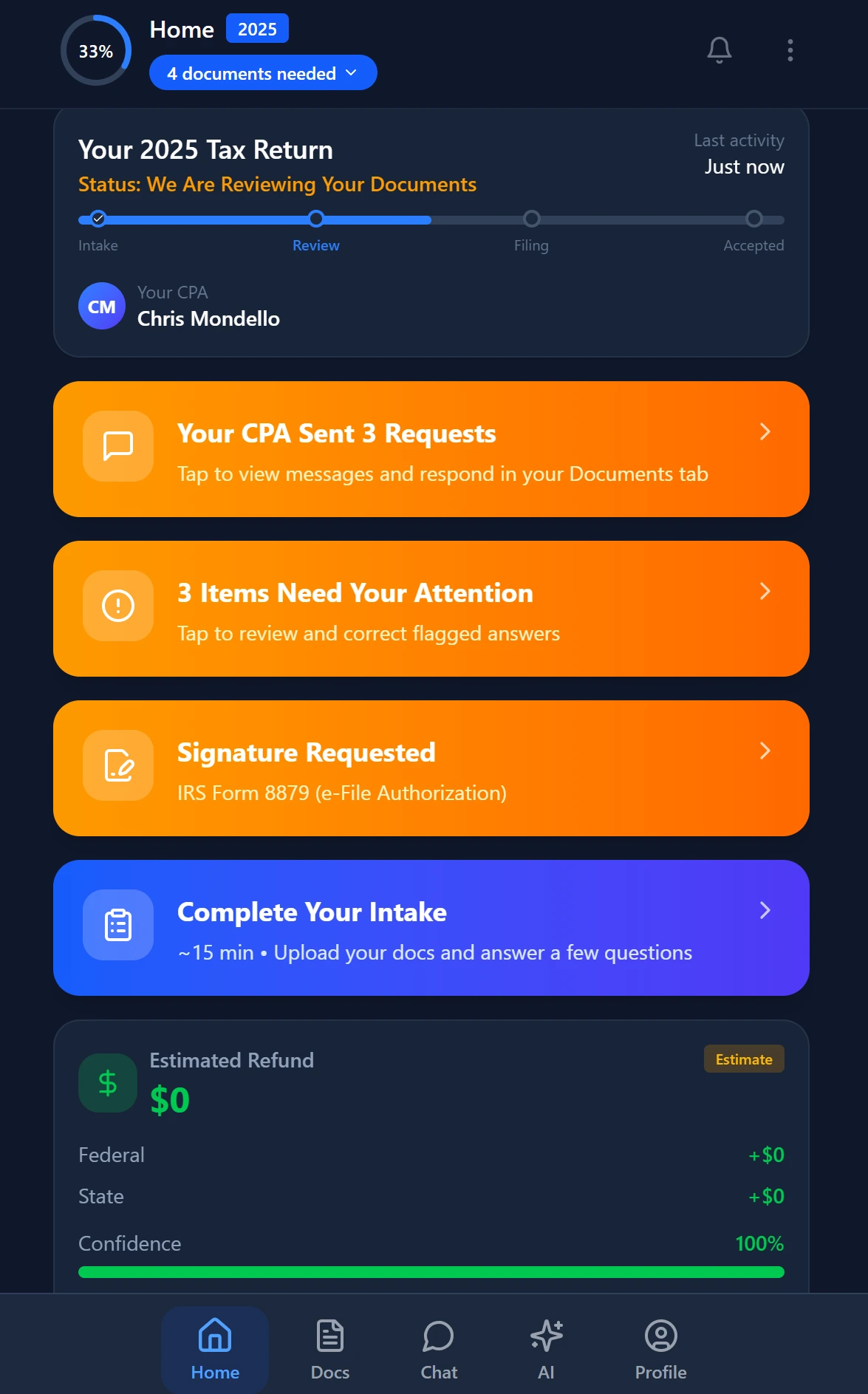
Smart intake auto-fills from uploaded documents and prior-year data
What Architecture Determines for Your Advisory Pivot
The move from compliance work to high-value advisory services isn't primarily a marketing challenge or a pricing challenge. It is a capacity challenge. Advisory work requires the mental bandwidth to think analytically about a client's situation — and that bandwidth gets consumed by compliance tasks that should be automated but aren't, by AI errors that need manual reconciliation, and by research questions that require starting from scratch every time because the AI doesn't remember the client.
AI-native architecture solves the capacity problem at its root. When extraction is accurate and self-verified, when gap detection is automatic, when research is client-aware, and when the pipeline enforces workflow without manual intervention, the preparers in your firm are freed to do the work that clients actually pay premium fees for.
The IRS's guidance framework for practitioners — including resources at IRS.gov for tax professionals — continues to expand in complexity. Real-time regulatory intelligence that searches live government sources isn't a feature to demo. For firms managing clients with complex foreign activity, partnership interests, or multi-state obligations, it's a risk management requirement.
Ready to see what AI-native architecture actually looks like in a CPA workflow? TaxScout gives your firm 5-layer document validation, 9 client-aware AI agents, and real-time IRS research for $149/mo flat. → Book a 15-Min Demo
Ready to try TaxScout.ai?
Free migration assistance. White-glove onboarding included.
Request Early Access